Quick answer
Controller and accessory prep matters because GTA 6 buying decisions are now split across platform, region, edition, storage, and spoiler-safety questions. DayOneReady treats this page as a practical decision guide: verify the official source first, compare the user impact, then take the next safest step.
DayOneReady check
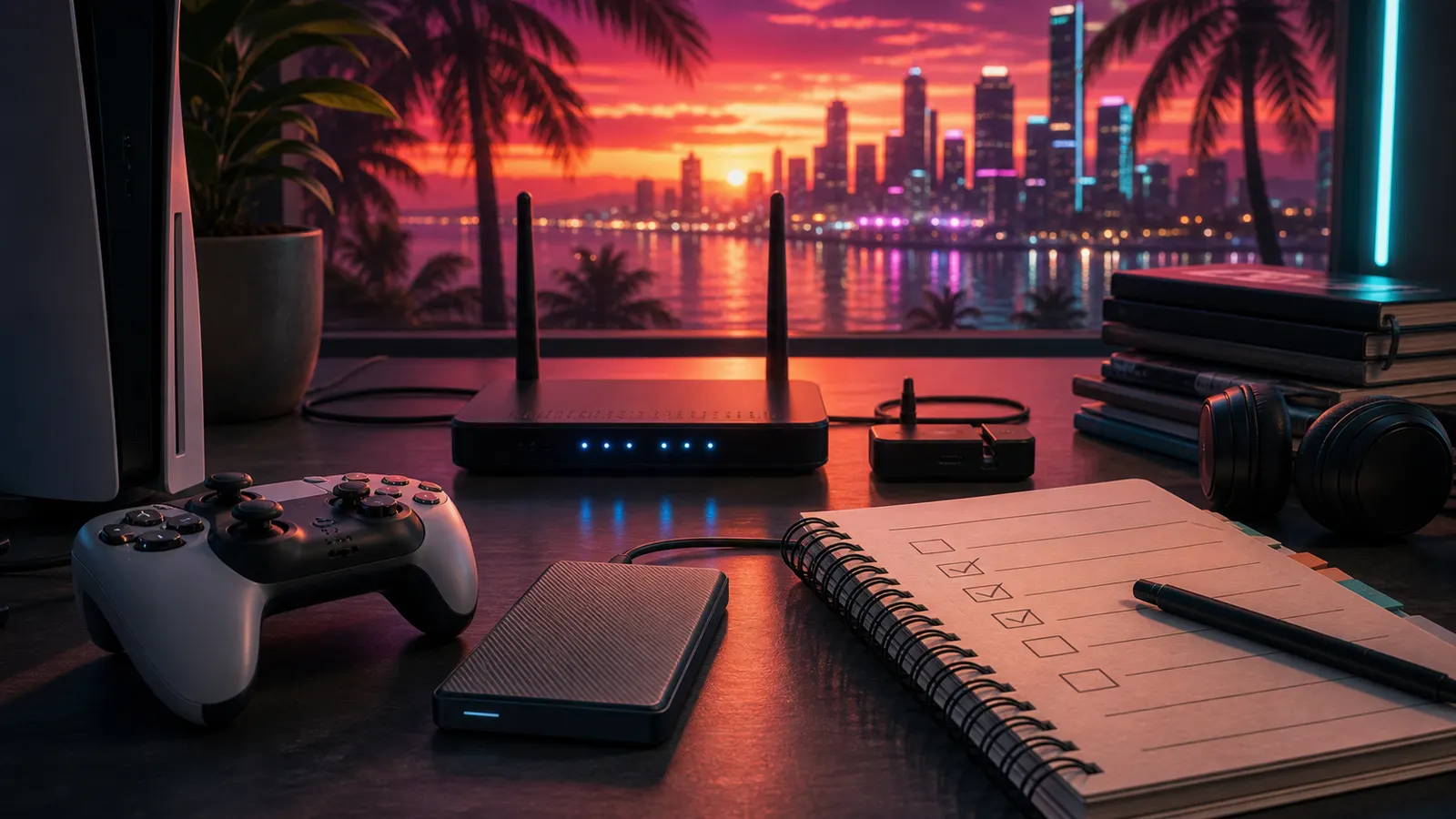
The best accessory plan is practical: a charged controller, working headset, enough storage, and a display mode you already tested. Do not wait until launch night to discover drift, weak batteries, or missing HDMI settings.
Launch checklist
- Charge or replace controller batteries.
- Test headset chat and audio.
- Clean storage before preload.
- Check TV game mode and HDR calibration.
FAQ
Frequently asked questions
Do I need a new controller?v
Only if your current controller has drift, weak battery life, or unreliable buttons.
Are headsets required?v
No, but they help if you plan to play online or avoid loud TV audio.
Should I buy storage first?v
Buy storage only if your console cannot comfortably free enough space.
Continue your research
Related GTA 6 buying guides
GTA 6 preorder prices
Check verified stores and official edition prices.
Standard vs Ultimate
Decide whether the $20 upgrade is useful to you.
Preload and download planning
Prepare for November 12 without using a rumor size.
Physical vs digital
Understand the no-disc code-in-box release.
Region and code rules
Avoid PlayStation and gift-code activation problems.
Preorder scam warnings
Check ten red flags before entering payment details.
PS5 vs Xbox
Choose using friends, storage, controllers, and accounts.
GTA 6 PC status
See what is confirmed and what remains unknown.
Ready Score
Check launch setup
Preorder Tracker
Watch verified stores
Gift Guide
Buy for someone else
Verified Updates
Read material changes
GTA 6 launch alerts
Get verified GTA 6 updates without spoilers
Get official-source tracking, preorder changes, and launch setup reminders when something useful changes.